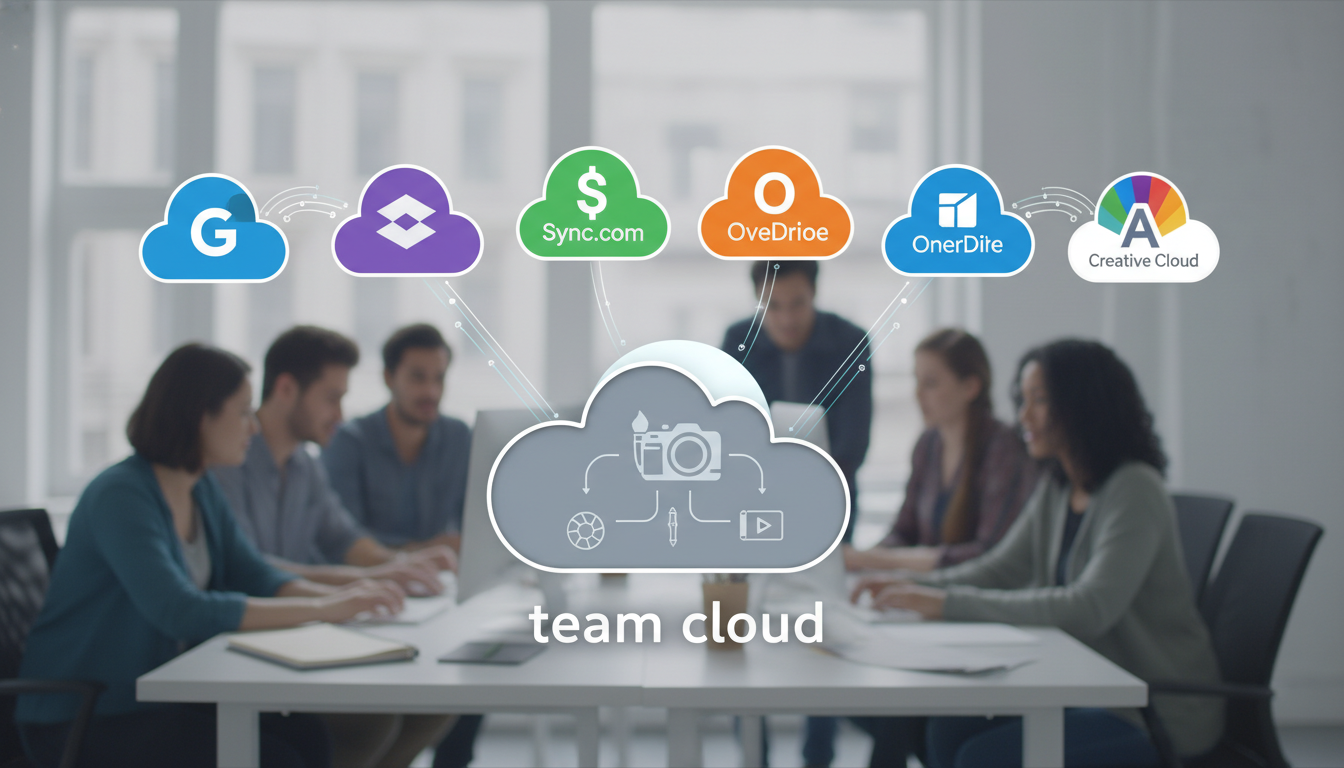
Comparison of the Best Cloud Storage Services for Small Creative Teams
Let’s be honest. If you are part of a small creative team, you probably spend half your day hunting for files. You know the drill: “Is it in the Slack channel? Or did you email it? Wait, is it ‘Final_Final_v3.psd’ or just ‘Final_Final.psd’?” It is a mess.
I have been there. We have all been there. Managing high-res images, 4K video files, and complex design layouts requires more than just a digital folder. You need a system that doesn’t crash when you upload a 10GB file.
In this comparison of the best cloud storage services for small creative teams, I am going to break down the top players. We aren’t just looking at gigabytes here. We are looking at workflow, speed, and how these tools actually feel when you are under a deadline.
What’s Inside This Guide:
- 1. Why Creative Teams Need Specialized Storage
- 2. Dropbox: The Industry Veteran
- 3. Google Drive: The Collaboration King
- 4. pCloud: The Media Lover’s Secret Weapon
- 5. Microsoft OneDrive: The Corporate Creative’s Choice
- 6. Box: Security Meets Scale
- 7. Quick Comparison Summary Table
- 8. How to Choose the Right One for Your Team
- 9. Frequently Asked Questions
Why Creative Teams Need Specialized Storage
Standard cloud storage is fine for spreadsheets and Word docs. But for us? It is a different game. We deal with massive assets that need to be previewed without downloading.
Think about it. If you have to download a 2GB video just to see if it’s the right cut, you’re losing time. You need high-speed syncing, version history, and commenting features.
Small teams also need to keep costs low. You don’t have an enterprise budget, but you have enterprise-level needs. That balance is exactly what we are exploring today.
Alt-Text: Small creative team collaborating on a design project using cloud storage.
Dropbox: The Industry Veteran
Dropbox is basically the “OG” of cloud storage. For a long time, it was the only real choice for designers. Why? Because it just works. The syncing engine is still arguably the fastest in the business.
What makes it great for creatives?
The Dropbox Replay feature is a game-changer for video teams. You can share a video link, and your client can leave time-stamped comments. No more “at 1 minute and 4 seconds, change the logo.” They just click and type.
The Downsides:
It has become quite expensive. The “Plus” plan is okay, but for a team, you really need the “Business” tiers to get the best features. Also, their web interface can feel a bit cluttered these days.
- Key Feature: Smart Sync (saves hard drive space by keeping files online-only).
- Best For: Freelancers and small boutique agencies.
- Pricing: Starts around $10-15/month for individual pros, more for teams.
Google Drive: The Collaboration King
If your team lives in Google Docs and Sheets, this is the path of least resistance. Google Drive is built for collaboration. You don’t even think about “saving” anymore; it just happens.
The Creative Edge:
Google Workspace integrates with almost everything. If you use Canva, Figma, or Adobe Creative Cloud, there is a good chance you can pull files directly from Drive. Plus, the search function is powered by Google (obviously), so finding a file buried in a folder from 2021 is actually possible.
The “But”:
The desktop app (Drive for Desktop) can be a bit finicky on Macs. Also, if you handle massive RAW photo libraries, the syncing can occasionally feel sluggish compared to Dropbox.
Alt-Text: Organizing design assets in Google Drive for small creative teams.
pCloud: The Media Lover’s Secret Weapon
I feel like not enough people talk about pCloud. It is based in Switzerland, which means the privacy laws are rock solid. But for creatives, the real draw is the built-in media player.
You can stream video and audio directly from the cloud without downloading. This is huge for musicians or video editors who need to share dailies with a team. They also offer a lifetime plan. You pay once, and you own the storage forever. For a small team trying to cut monthly subscriptions, this is a massive win.
- Pros: One-time payment options, great security, excellent media streaming.
- Cons: Collaboration tools aren’t as polished as Google or Dropbox.
Microsoft OneDrive: The Corporate Creative’s Choice
Wait, don’t skip this! I know OneDrive feels “corporate,” but hear me out. If you are already paying for Microsoft 365 (for Excel or Word), you already have 1TB of storage per person. It’s basically free at that point.
OneDrive has improved significantly. The “Files on Demand” feature works perfectly on Windows and quite well on Mac. If your creative team works with a lot of external clients who are in the corporate world, OneDrive makes sharing files through their firewalls much easier.
The Catch:
The interface is… well, it’s Microsoft. It’s functional, but it doesn’t “spark joy” the way a creative tool should. It can also be aggressive with notifications.
Box: Security Meets Scale
Box is often confused with Dropbox, but they are very different. Box is built for heavy-duty workflows. If your creative team handles sensitive data or works with major brands, Box is the gold standard for security.
They have incredible integrations. You can open a Photoshop file directly from Box, edit it, and save it back without ever leaving the app. Their “Box Notes” is also a handy way to brainstorm ideas alongside your files.
The Cost:
It is definitely on the pricier side. It’s designed for businesses that need to scale, so if you are just two people, it might be overkill.
Quick Comparison Summary Table
| Service | Best For | Top Creative Feature | Price Range |
|---|---|---|---|
| Dropbox | Speed & Video | Dropbox Replay (Video Feedback) | Moderate to High |
| Google Drive | Live Collaboration | Deep Workspace Integration | Low (Free tier is generous) |
| pCloud | Budget & Media | Lifetime Plans & Media Player | Low (One-time fee) |
| OneDrive | Microsoft Users | Bundled with Office 365 | Low (If already using M365) |
| Box | High Security | Enterprise-grade workflows | High |
How to Choose the Right One for Your Team
Choosing the right tool isn’t about finding the “best” one. It’s about finding the one that fits your specific workflow. Let’s look at three common scenarios:
The Video Production House
You need speed. You need to send huge files. Go with Dropbox. The ability to have clients comment on specific frames of a video is worth the price alone. It saves hours of back-and-forth emails.
The Social Media & Content Agency
You are likely moving fast, writing copy, and designing quick graphics. Google Drive is your best friend. The ability to have five people in one document while linking to assets in the same folder is unbeatable for speed.
The Photography Studio
You have massive libraries of high-res images. You need to keep them safe but accessible. Look at pCloud. Their lifetime storage deals mean you won’t be paying a “rent” on your archives forever. Plus, their photo gallery previews are fast and clean.
Alt-Text: Comparison infographic of cloud storage for creative teams.
The Hidden Trap: Bandwidth and Sync Limits
Before you sign up, I have to warn you about one thing: Bandwidth limits. Some services limit how much data you can share with external people per day.
If you send a 50GB folder to a client and they share it with their whole team, you might hit a “public link limit.” Dropbox is generally good with this, but always check the fine print of your specific plan. Nothing looks less professional than a client seeing a “Link Disabled” message because you ran out of data for the day.
Security: Is Your Work Safe?
As a creative, your IP (Intellectual Property) is your lifeblood. You need to ensure the service you pick has Two-Factor Authentication (2FA) and encryption at rest.
I always recommend a service that offers “Version History.” If you accidentally save over a client’s favorite design, you need to be able to “go back in time” and restore the version from three hours ago. Most of the services in this comparison offer at least 30 days of history.
Frequently Asked Questions
What is the fastest cloud storage for large files?
In our experience, Dropbox still holds the crown for the fastest syncing of large files thanks to its block-level copying. This means it only uploads the parts of a file that changed, rather than the whole thing again.
Is there a free cloud storage option for teams?
Google Drive offers 15GB for free, which is the most generous. However, for a professional team, you will likely outgrow free plans within a week. It is better to invest in a paid plan early to avoid the headache of moving files later.
Can I use cloud storage as a backup?
Cloud storage is not the same as cloud backup. If you delete a file on your computer and it syncs, it might be deleted in the cloud too. Always have a secondary backup (like an external hard drive or a dedicated service like Backblaze) for your most important work.
Which service is best for Mac users?
Dropbox and iCloud are the most “Mac-friendly” in terms of how they feel, but Google Drive has improved a lot. Avoid OneDrive if you hate seeing “Microsoft-style” popups on your clean desktop.
Conclusion
Finding the right fit in this comparison of the best cloud storage services for small creative teams comes down to your daily habits. If you want the best video tools, get Dropbox. If you want seamless collaboration, go with Google. If you want to stop paying monthly fees, check out pCloud.
The most important thing? Pick one and stick to it. Moving 2TB of data between services is a nightmare you want to avoid. Get your team on board, set up a naming convention, and stop wasting time looking for files.